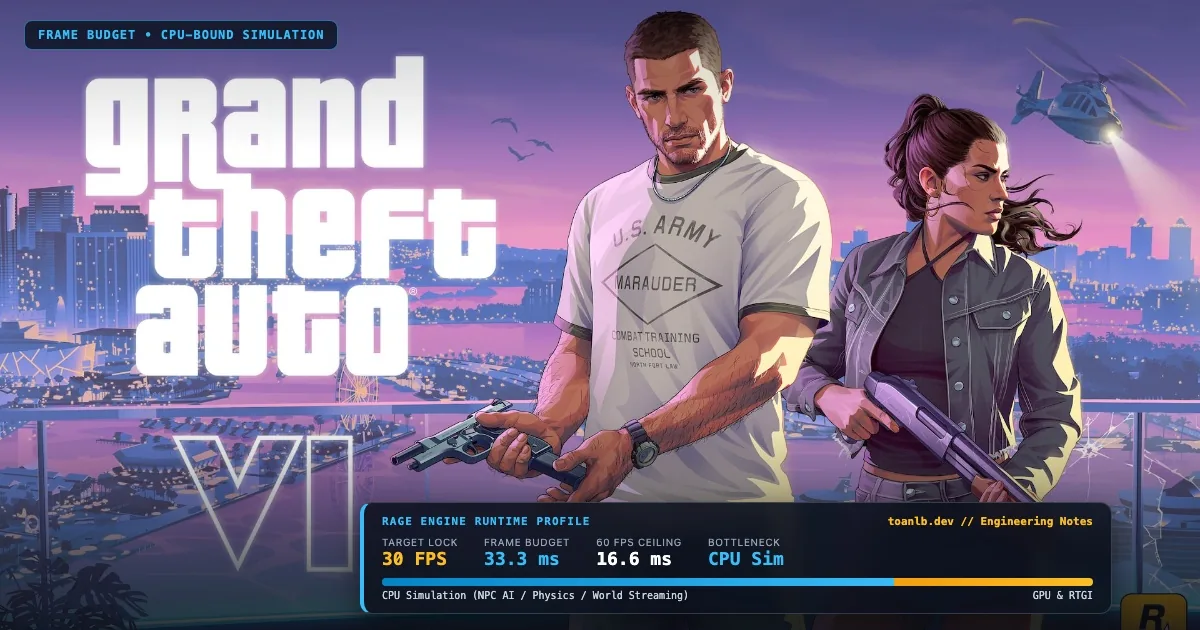
Over the past week, while players everywhere have been buzzing about GTA VI’s new Vice City, my own experience has looked a little different: I have not stepped into Jason or Lucia’s shoes for a single heist, nor driven down a single alley across those 175 square kilometers, simply because…
I do NOT own a PS5 or an Xbox, folks. :(
Yet scrolling past dozens of hours-long livestreams, story breakdowns, and side-by-side physics detail comparisons with earlier entries or Rockstar’s own Red Dead Redemption II, one technical fact kept sparking debate before and after launch: across both PlayStation 5 and Xbox Series X|S, GTA VI is locked at 30 FPS. And the sharpest takeaway from hardware engineers is that this 30 FPS cap is not caused by GPU overload. Even dropping rendering resolution or dialing back ray tracing effects would not reliably unlock 60 FPS.
The bottleneck sits squarely on the CPU.
Thinking about that constraint, it struck me as one of the clearest real-world examples for us as game developers to re-examine how we think about performance and frame budgets.
When optimization stops being about fewer polygons or cheaper shadows
After years of building games, most of us share the same reflex whenever framerate dips: open the profiler, inspect draw calls, compress textures, trim shadows, and reduce particle counts. That mindset works when the bottleneck lives on the graphics pipeline. Yet as I noted when writing about why high draw calls do not automatically mean a GPU-bound game, the real culprit choking performance is very often the logic running on the CPU.
In GTA VI, Rockstar is not merely rendering a pretty skyline in front of a camera. They are forcing the CPU to carry a continuous real-time social simulation: hundreds of autonomous pedestrians reacting contextually rather than walking rigid spline paths, dense traffic streaming, dynamic wanted and police escalation systems across terrain, and micro-physics spanning mud, vehicle panel deformation, and physical items resting on store shelves.
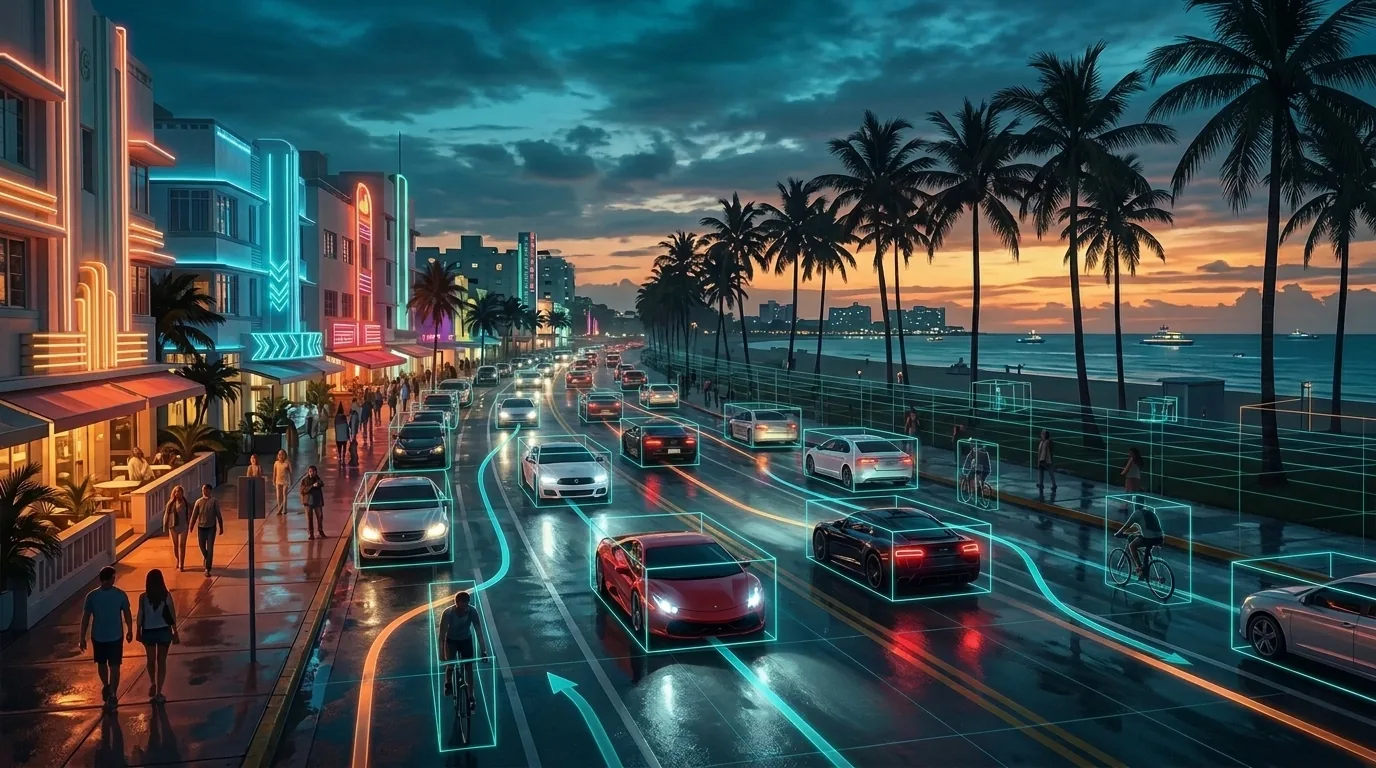
Every frame is not just a question of “how long does the GPU need to draw this?” It is a question of “how many world equations must the CPU solve before handing data to the GPU?”
When your budget at 60 FPS is just 16.6ms, and world simulation alone consumes or exceeds that ceiling, micro-optimizing shaders or lowering pixel counts changes nothing. At that point, optimization stops being about clever tricks and becomes a top-level architectural trade-off.
The discipline of trade-offs: A rock-solid 30 FPS beats an erratic 60 FPS
Many players instinctively frown at 30 FPS because 60 FPS has become the expected standard. From an engineering standpoint, however, what actually causes fatigue and visual discomfort is rarely the raw number 30 versus 60 - it is broken frame pacing, where consecutive frames arrive unevenly at 16ms and suddenly spike to 40ms.
Even Rockstar’s RAGE engine historically struggled with occasional micro-stutters in animation and camera pacing. For this release, they deliberately stepped back to a 33.3ms budget per frame to keep frame pacing flat and predictable, investing the remaining headroom into simulation density and cohesive Ray-Traced Global Illumination.
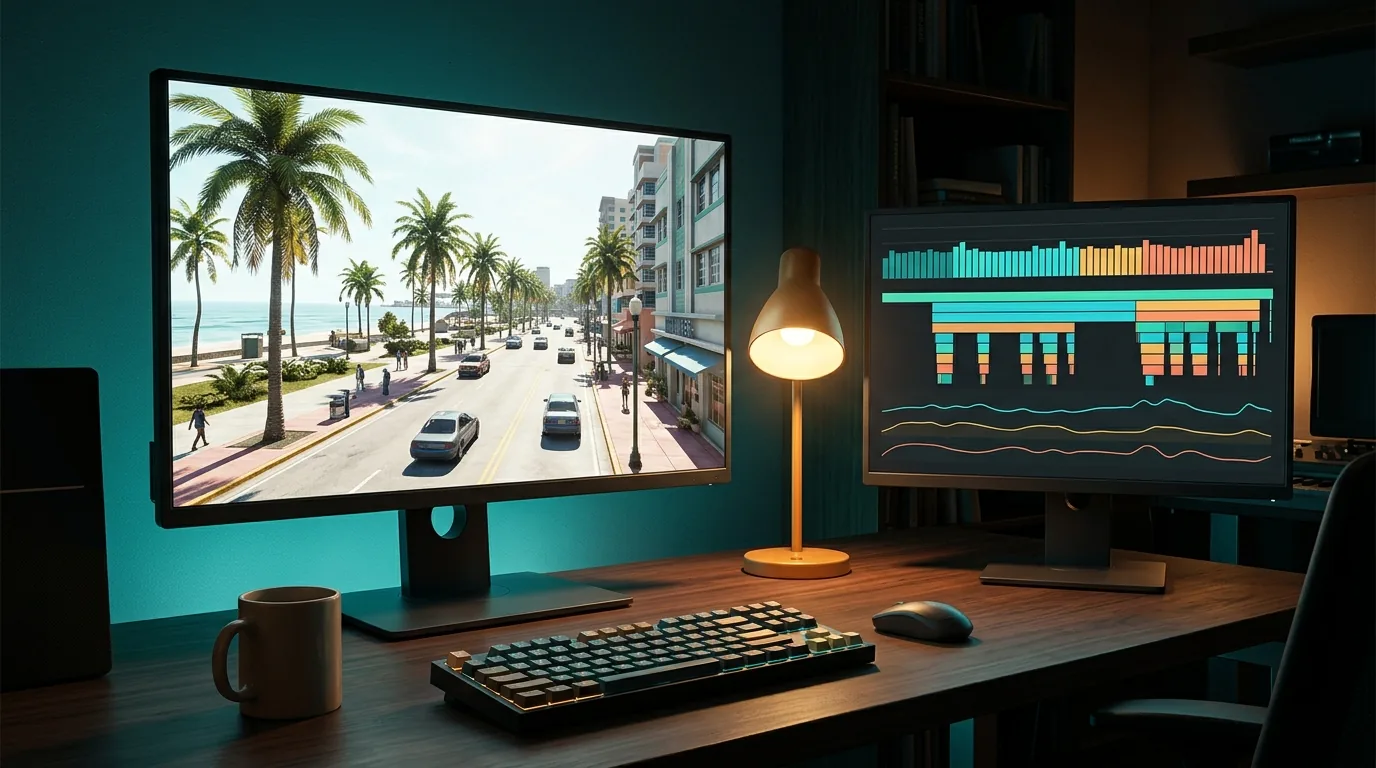
Looking at our own daily Unity projects, that lesson hits remarkably close to home.
Time and again on mobile action titles or crowd-heavy games, teams chase a 60 FPS label at all costs without keeping strict discipline over the CPU budget: stuffing too much gameplay logic into FixedUpdate until triggering a Spiral of Death, or letting hidden allocations pile up every frame until garbage collection stalls the main thread for half a second. A game claiming 60 FPS that hitches every ten seconds feels noticeably worse than a title locked cleanly at 30 or 45 FPS with steady frametimes.
Knowing exactly how many milliseconds you own, and having the discipline to draw a firm boundary instead of trying to cram everything in, is what separates reactive tweaking from sound engineering. I wrote about a similar balance when discussing pursuing Zero Allocation in Unity: optimization is never about chasing impressive-looking numbers for ego; it is about deciding what hardware budget you are trading for real player value.
You do not need to finish the game to learn from the problem they chose
I have not had the chance to pick up a controller and explore Leonida myself yet, and it may still be a while before schedule allows. Even so, watching Rockstar willingly sacrifice a marketing-friendly framerate number to protect the living density of their simulation already leaves plenty to reflect on.
In game development, every metric on screen is ultimately the result of a trade-off: glossy visuals, sky-high framerates, or deep systemic simulation underneath. Very few projects ever have the hardware headroom and timeline to claim all three at once.
If you were making the call on a large-scale open-world or simulation-heavy project, would you trim AI density and physical interactivity to hit 60 FPS, or lock a steady 30 FPS to preserve the soul of that world?
P.S: Back when the games before GTA V came out, I did not even have a PC and had no idea what GTA was. When GTA V launched, I had just started university and completely missed the boat until Epic Games Store gave it away for free in 2020. And now with GTA VI out, I am standing on the sidelines again. Maybe when GTA VII eventually drops, I will finally join the launch-day hype once in my life. Haha. Working in the game industry while watching a cultural wave like this pass by feels a bit funny, and who knows how many years away that is - I might be a guy well into my 40s by then. Oh well, as long as we still get to play, that is already enough, right folks? =)))

