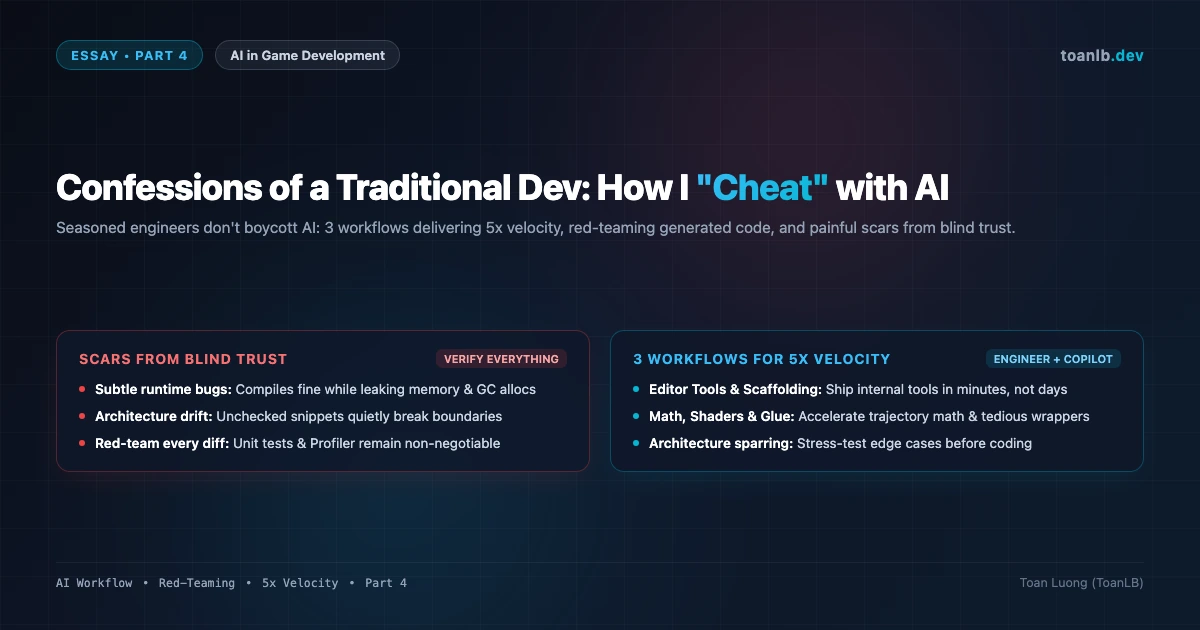
As promised at the end of Part 3, I’m sitting down today with my usual cup of coffee to address a candid question many readers have asked:
“Toan, you’ve spent nearly a decade building games, obsessing over architecture, memory footprints, and IL2CPP internals… Do you actually use AI in your day-to-day workflow? Or are you just another conservative dev stubbornly typing every single character by hand?”
To be completely honest with you, my answer is unequivocal: I use it every single day. In fact, I use it heavily.
It would be sheer hypocrisy if I preached about overcoming the gatekeeping trap and warning against synthetic slop, while secretly pretending to be a “pure artisan” living in an ivory tower untouched by modern tooling. Amidst the storm of Vibe Coding reshaping our industry, if an excavator can dig a building’s foundation in half a day, insisting on using a rusty hand shovel doesn’t prove you’re superior - it only proves you’re stubborn.
The real question isn’t whether to use AI, but how to use it without degenerating into a mindless prompt-pusher, and how a seasoned developer can leverage AI to achieve 5x velocity while upholding rigorous engineering standards.
Today, I want to pull back the curtain and share exactly what happens on my desk every day.
Within engineering circles, there is often a strange, unspoken stigma: people romanticize the developer who types every semicolon from scratch, memorizes every obscure API signature, and treats AI assistance as an embarrassing form of “cheating.”
Earlier in my career, I held a mindset not too far from that. But after years of shipping games under punishing deadlines and wrestling production constraints, I realized something fundamental: The true value of a software engineer is never measured by the raw number of keystrokes produced per minute, but by the architectural decisions made and the ultimate value delivered to the player.
AI does not rob you of technical competence. Quite the opposite: if you possess solid engineering fundamentals, AI becomes a monumental force multiplier.
In my day-to-day workflow across studio production and solo prototypes, AI reliably shoulders three of the most exhausting, repetitive tasks, saving me dozens of hours every week:
First is eliminating boilerplate code, custom editors, and internal tooling.
Anyone who has worked in Unity for a few years knows that the most draining part of game development isn’t devising clever gameplay mechanics. It is writing tedious, mechanical boilerplate:
- Data Transfer Objects (DTOs) for backend communication, alongside custom serialization wrappers.
- Configuration structs, balance schemas, and schema migration scripts.
- And worst of all: writing
CustomEditorandPropertyDrawerclasses to build ergonomic inspector tools for designers.
To keep a Game Designer or Level Designer from entering invalid data, an engineer often spends hours wrestling with Unity Editor GUI code: calculating manual Rect layouts, padding pixels, wiring SerializedProperty.FindPropertyRelative, handling EditorGUI.BeginChangeCheck(), and rendering EditorGUILayout.HelpBox(). An entire afternoon can vanish just trying to build an item picker with search filtering and icon previews.
That is precisely where I use AI to “cheat” without a second thought.
Now, I simply hand the ScriptableObject class definition to an AI model with a concise prompt: “Write a clean Unity Custom Editor for this class. Requirements: Use ReorderableList to render the item collection, add a live Search filter by ID and Name, display icon previews on the left, and include a duplicate button. Enclose everything within an #if UNITY_EDITOR preprocessor block to prevent player build failures.”
It takes 15 seconds. The AI generates a structured, properly formatted Custom Editor script that correctly binds every serialized property. All I have to do is spend 30 seconds skimming the code for anomalies, drop the file into the Editor folder, press Play, and hand the tool to the designer.
Tasks that once consumed half a day of tedious labor are now resolved in minutes. My intellectual energy remains fully conserved for solving foundational gameplay systems.
Second is a 24/7 “math tutor” and gameplay algorithm assistant.
As an experienced engineer, your algorithmic problem-solving may be razor sharp, but nobody can honestly claim to remember every matrix transformation formula, analytical geometry identity, or statistical distribution off the top of their head.
How often have you found yourself in these situations?
- Needing a ballistic arc trajectory function for projectile arrows that accounts for drag and terminal velocity.
- Needing a smooth Cubic Bézier curve implementation to glide a cinematic camera around a towering boss during an intro cutscene.
- Needing a Poisson-distributed loot drop table algorithm to guarantee players don’t suffer devastating streaks of bad luck.
Previously, the standard workflow was painfully slow: Google search, wading through decade-old StackOverflow threads, pulling out college calculus textbooks, sketching formulas on scrap paper, and debugging through endless trial and error for an entire day.

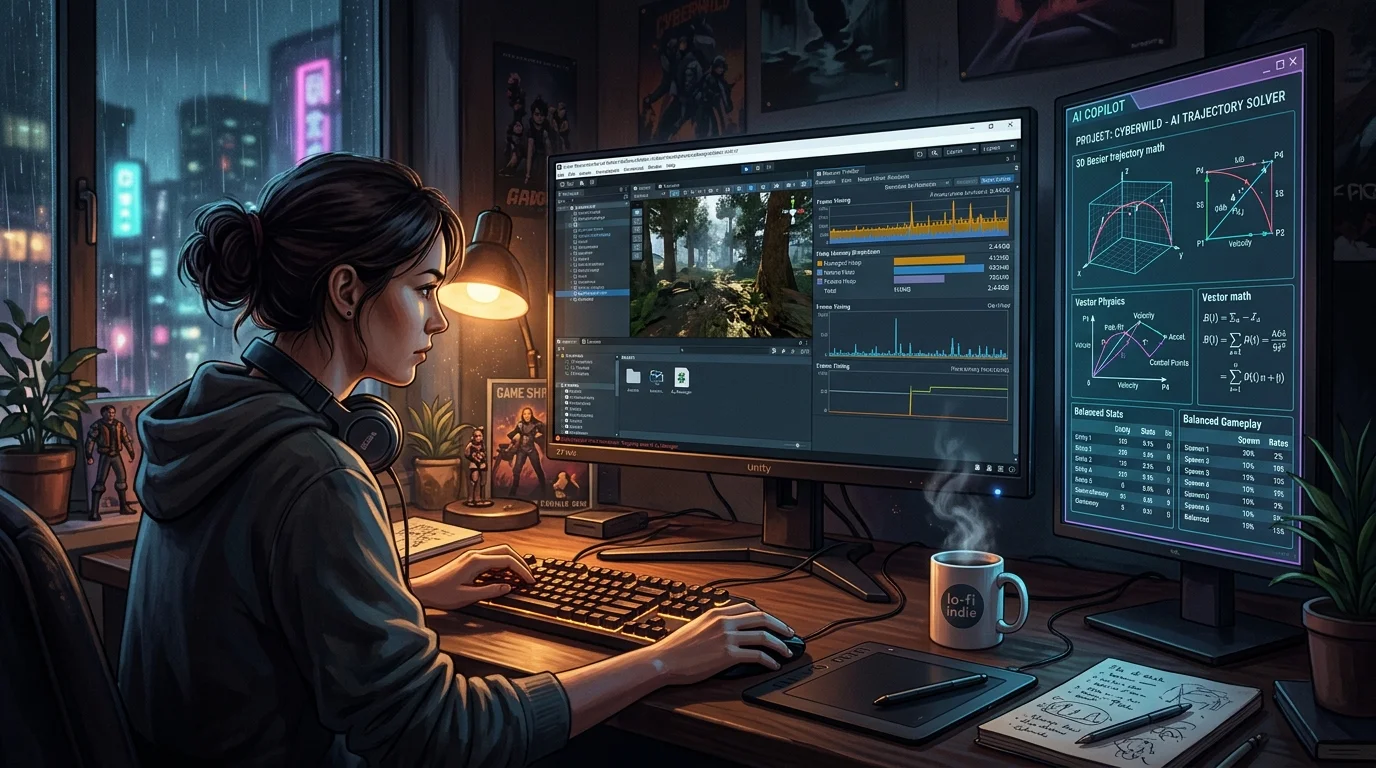
Today, AI serves as an on-demand mathematics tutor sitting right beside me. I describe the mathematical requirements clearly: “I need a pure static C# utility method to compute points and tangent vectors along a Cubic Bézier curve. The inputs are four Vector3 control points (P0, P1, P2, P3) and a time parameter t from 0 to 1. Ensure zero heap allocation, optimize via Vector3.Lerp, and avoid object instantiation.”
The AI returns mathematically exact formulas, explains the geometric implications of each coefficient, and often packages it into an extension method ready for immediate drop-in use. Instead of losing a whole day wrestling with geometry derivations, I have a validated solution within two minutes, leaving the rest of the day to tune the visceral feedback of the weapon.
Third is an untiring pair programmer and ruthless red-teamer.
This is by far the highest-leverage way I use AI, and it is what separates a disciplined craftsman from an amateur prompt-chaser.
When working alone or authoring a complex module in a studio, staring at intricate code for three to four hours straight inevitably induces tunnel vision. You see the code functioning according to the ideal mental model you designed. You become blind to the subtle edge cases that could bring the whole architecture crashing down in production.
Whenever I finish authoring a mission-critical subsystem - such as a hierarchical Combat State Machine or a decentralized Save/Load manager - I pass the complete class to an AI model with an adversarial persona:
“Act as a ruthless Principal Unity Engineer conducting a code review. Do not offer pleasantries; focus strictly on breaking this code. Identify potential race conditions across scene transitions. Pinpoint any hidden closures, boxing operations, or GC Alloc traps in tight loops. List the 5 most bizarre edge cases a player or designer could trigger to crash this system, and write robust NUnit test fixtures to verify them.”
The resulting critiques have caught me off guard multiple times. It has caught missing event unsubscriptions when GameObjects disable, potential divide-by-zero errors when velocity magnitudes approach machine epsilon, and null references during concurrent dictionary lookups under unstable network conditions.
Having an indefatigable assistant constantly stress-testing your assumptions before you merge to the main branch is a superpower no solo developer enjoyed in previous decades.
All of this might sound wonderfully frictionless. But make no mistake: The sharper the AI blade, the deeper it cuts when you slip.
If you approach AI with a lazy mindset, blindly copying and pasting code without understanding what is happening underneath, you will quickly pay a steep price in technical scars.
By nature, today’s AI models have a strong tendency to “solve things superficially just to get it done.” As long as the code runs on the surface and pressing a button triggers an immediate response, the model considers its job finished. But AI has zero intuition for hardware constraints or runtime performance budgets.
It will casually throw heavy LINQ queries right into the middle of a tight gameplay loop, invoke expensive calls like GameObject.Find or FindObjectOfType that crawl through the entire scene hierarchy every frame, or allocate anonymous delegate closures that silently dump garbage all over the heap.
In the Unity Editor on an overpowered workstation, that code runs smoothly without a single red warning in the console. But once deployed to actual mobile hardware, it takes only a couple of minutes before the device heats up, the battery drains rapidly, and the Garbage Collector repeatedly halts execution to sweep memory, creating rhythmic, jarring frame stutters.
If an inexperienced developer relies on blind copy-pasting without foundational knowledge, they will be utterly helpless to diagnose why their game lags, inevitably deflecting blame onto the engine or assuming the phone is simply too weak.
AI is like an F1 racecar equipped with a jet booster: It can accelerate you to 300 km/h in seconds. But unless you have a heavy-duty braking system - built on deep fundamentals of computer architecture, memory lifecycles, engine internals, and clean architectural design - you will smash directly into the wall on the very first corner.
You can only “cheat” with AI safely and pridefully when you possess the technical literacy to read and verify every single line it outputs, know exactly where it took shortcuts or cut corners, and have the capability to step in and rewrite it properly.
Returning to the original question: Am I “cheating”?
Yes. I cheat on boilerplate time. I cheat on repetitive keyboard typing. I cheat on tedious configuration setups.
Yet I never cheat on craft, craftsmanship, or respect for the player. Because AI shoulders the heavy, mechanical 80% of daily chores, I can dedicate 100% of my creative focus to the 20% that genuinely matters:
- Polishing camera shake curves until combat impacts feel meaty and physical.
- Designing data contracts cleanly so that adding 50 new abilities never introduces technical debt.
- Optimizing memory footprints so the game runs smoothly on humble hardware around the globe.
Prototypes that I once shelved with a sigh - thinking “building all the tooling and foundational scaffolding alone will take months” - can now be brought to a tangible, playable state in two weekend evenings alongside AI.
As the time required to build games shrinks from months to days, and as mundane technical friction dissolves, a much deeper realization comes into focus:
What is the ultimate gift that AI gives to game developers? Is it simply the capacity to churn out dozens of monetized titles per year to maximize ad revenue?
Or is the true gift something far more profound: AI has liberated us from exhausting mechanical drudgery, returning to us the purest form of creative freedom - where we build games not to chase retention metrics or ARPU targets, but for the sheer, unadulterated joy of bringing our imaginations to life?
In the final chapter of this reflection series, that is precisely the space I want to explore with you: Game Development Beyond Metrics: When AI Restores Pure Creative Freedom.
Until Episode 5! ☕
P.S: On quiet late nights in front of dual monitors, with rain tapping on the window and a gentle lofi piano track playing, my AI copilot and I sit together crafting jump mechanics and trajectory formulas. When it generates exactly what I envisioned from a single sentence, it feels like rediscovering that trusted partner from college capstone days. Technology ultimately doesn’t make us lonelier, so long as we use it to nurture the creative spark within ourselves.

